From Digital Overload to Curated Memories
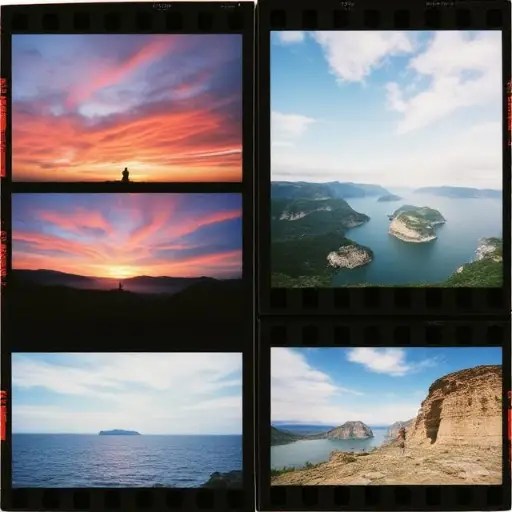
Managing thousands of travel photos can feel overwhelming, but with the right tools and strategies, you can transform your camera roll into a curated collection of cherished memories. Whether you’re an avid traveler or a casual photographer, organizing your photos can turn the chaos of digital clutter into a meaningful archive.
The journey begins with backing up your photos, a crucial step that ensures your memories are safe. Experts recommend using both cloud storage and physical backups, such as external hard drives, to protect against data loss. Services like Google Photos, iCloud, and Dropbox offer seamless cloud backup, while external drives or network-attached storage (NAS) systems provide a tangible safeguard. Once your photos are secure, it’s time to start pruning. Modern smartphones offer built-in tools to identify and remove duplicates—on iPhone (iOS 16 and up), the “Duplicates” album in the Photos app flags exact copies, while on Android, bursts and screenshots can be found in dedicated folders in your gallery. For a more comprehensive purge, apps like Clever Cleaner and Remo Duplicate Photos Remover use AI to scan and eliminate unnecessary images. However, AI may not always distinguish between a forgettable shot and a meaningful one, making apps like Slidebox and Utiful valuable for more nuanced organization. Slidebox gamifies the process, allowing users to swipe up to delete, left to keep, down to mark as favorite, or tap to sort into an album. Utiful, on the other hand, moves images out of your overcrowded photo library and into tidy folders, making it easier to revisit your best shots.
Creating a system to sort and store your best shots is the next step. Marking favorites during your travels helps build a highlight reel that’s easy to revisit. On iPhone, you can use the heart icon to mark favorites, while Android users can star images. Over time, these favorites accumulate into a curated collection that you’ll actually want to revisit, instead of a camera roll that feels like a junk drawer. Once home, organizing these favorites into trip-specific albums can make finding specific memories much simpler. Apps like Google Photos and Apple Photos allow for easy album creation, while more advanced tools like Adobe Lightroom offer powerful tagging and sorting features.
Finally, consider giving your best shots a new life beyond your phone. Options like Artifact Uprising and Blurb allow you to create physical travel books and custom albums, while Framebridge offers custom-printed wall art. For digital sharing, apps like Animoto can turn your photos into engaging slideshows. If you prefer a more modern approach, digital frames like Aura allow you to display an unlimited number of images on a screen, turning your living space into a gallery of travel memories.
Ultimately, the key to maintaining an organized photo collection lies in intentionality. By asking yourself what each photo is meant to do before taking it, you can build a camera roll that brings joy rather than anxiety. As travel blogger and photographer Jeff Swinger notes, “The goal isn’t to take more photos—it’s to take fewer, but better ones.” This mindset shift can help you create a more meaningful and manageable collection of travel memories.




 The Tower Post