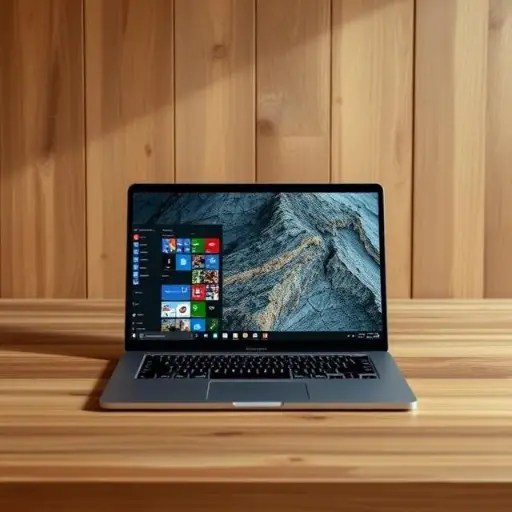
One User’s Reasoning and Options for Continuing to Use Windows 10 Safely

On October 14th, 2025, Microsoft will officially end support for Windows 10, marking the end of an era for the operating system that once promised to be “the last version of Windows.” Despite the company’s release of Windows 11 in 2021 and the subsequent push for users to upgrade, many, including this author, remain on Windows 10. As of September 2025, both Windows 10 and Windows 11 still hold a significant share of the global market, indicating that the transition is far from complete.
The author, who has been using Windows 10 for several years, has no immediate plans to upgrade to Windows 11. Their current laptop, equipped with an Intel Core i3 processor, is not compatible with Windows 11, and upgrading would require either a new CPU or a new PC—both of which are seen as unnecessary expenses. The author argues that their current setup is sufficient for their needs and resists the idea of contributing to e-waste by replacing a functional device.
In addition to hardware limitations, the author is unimpressed by the improvements in Windows 11 and has encountered bugs and glitches in the newer OS. They also rely heavily on a Chromebook for daily tasks, which reduces the necessity of using Windows 10 frequently. While the author acknowledges the risks of continuing to use an unsupported operating system, they are exploring options to stay secure. One such option is Microsoft’s Extended Security Updates (ESU) program, which provides an additional year of security updates for a fee or through Microsoft Rewards points.
The ESU program offers three enrollment options: a one-time payment of $30, enabling Windows Backup (which automatically grants extended updates), or redeeming 1,000 Microsoft Rewards points. These options are accessible through the Windows Update settings page. However, the author notes that some users may be hesitant to create a Microsoft account or pay for the service, leading them to explore alternative solutions.
For those who prefer not to use Microsoft’s ESU, a third-party tool called UpDownTool allows users to convert their Windows 10 installation to the Long-Term Servicing Channel (LTSC) version, which offers extended support until 2032. This version of Windows 10 is designed for enterprise environments and lacks feature updates, support for the Microsoft Store, and compatibility with apps that rely on the Store, such as Microsoft Edge. While UpDownTool is not officially supported by Microsoft, it has gained popularity among users who wish to avoid forced upgrades and maintain a stable, familiar environment.
The author plans to enroll in the ESU program by activating Windows Backup before the October 14th deadline, ensuring their PC remains secure until at least October 13th, 2026. Beyond that, the author remains undecided, with the possibility of either upgrading to a new PC with Windows 11 or even switching to ChromeOS entirely. Regardless of their future decisions, the author emphasizes that the choice to stay on Windows 10 is a personal one, driven by a combination of practicality, preference, and resistance to forced upgrades.
This situation reflects a broader trend among users who find themselves caught between the need for security and the desire to avoid unnecessary hardware upgrades. While Microsoft continues to push for adoption of Windows 11, many users are choosing to remain on Windows 10, either by opting for extended support or by exploring alternative operating systems that better suit their needs.




 The Tower Post